Showing posts with label blogger. Show all posts

Thursday, April 18, 2013

New changes coming to Google's blogger

1. You can comment-connection to google+ Just the other day I was ranting that comment was dead! [Link here ].
2. The "edit html" is more awesome. It has categorical jumps: Nice!
Yes, jump to widget and edit!
Also, I could not find the dynamic templates. Are they retired already?

  ---
-->

Wednesday, April 25, 2012

Ask questions in Google Group #new features

Google group has proved to be a very useful forum.
I just noticed that they have featured asking questions in addition to the regular discussions.

For example, in Nepali Blogger's Google group, there are many technical questions related to blogging platform, codes etc.
On many occasions, Dilip dai and many others have been very kind to help-support new and old bloggers as well.
Now members can ask questions and get the answers. Moreover, one can also tag the questions so that it could be searched in the future.


Thursday, July 7, 2011

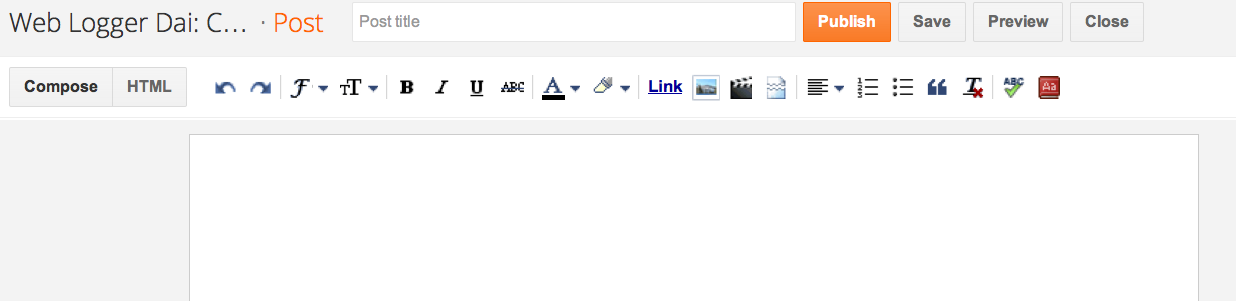
New Blogger Layout in Draft

Bednath G posted the information that blogger got its new layout in Blogger World group in Facebook.

I was aware that blogger was doing something new for the blogger system from their blog. However, was excited to see the new interface.

If you wanted to test the new interface, go to:
http://draft.blogger.com/h​ome

I think the interface is quite sexzy:
The extra option on the right bar for location, labels, schedule and other options (comments/backlinks, etc) are much more handy.
The publish button with trademark blogger color looks nice on plain theme.
Overall: I love this new look the blogger is getting.


Wednesday, July 6, 2011

Google + to eat Blogger after picasa

Well, in other word: the black nav-bar on the top is going to help Google integrate the google-services:  similar to what they did with picasa.

Google is going to rebrand the Blogger to Google-blogs.


This may be a good thing to do because picasa does not have the limit of xGB after being integrated into Google+ as a feature.
The best thing: everyone with google account will have blogs.

In the age of social media, the definition of blog has changed to status updates and micro-blogs. May be, that was what blogs were supposed to be, right?

Thursday, March 31, 2011

#Twitter Hashtag features in Blogger


The #twitter hash tags were not envisioned when twitter was started. Users invented the use of  it and thus was implemented later to tag tweets. This gave rise to the concept of trending topics, which ultimately has given twitter a new power.

A lot of bloggers use twitter as a medium to push the contents via social media.
Now that tweets without #tags are hard to find, bloggers have  started embedding the hashtags {me too :(} 
Embedding the hash tags on the title not only make the title look ugly, it also defeats the purpose of having labels on the posts.

It would be wonderful if labels on the posts could be picked (by services like friendfeed or twitterfeeder) so that it would automatically add the hashtags as per the label. Or even better, Google could do it for blog*spot et al.

Wednesday, January 6, 2010

Understanding and using Page Types in Blogger

Here is the motivation: You want to show only certain gadget for instance google friend connect bar at the top/bottom only on the index page or post page.
I would recommend the TE article (see below) first to understand the page type.
<p><data:blog.pageType/></p>
The code given as in TE, did not work with double quotation there...
I figured it was this problem:
&quot;index&quot;
versus
"index"

Once that was figured out, it was easy to understand:

<b:if cond='data:blog.url == data:blog.homepageUrl'>
<data:title/>
<b:else/>
<a expr:href='data:blog.homepageUrl'><data:title/></a>
</b:if>
just simple if-else statement!
************
Now the following code can be implemented in the body section, so that the item inbetween if tag is displayed only in home page.
It works!
<b:if cond='data:blog.pageType != &quot;item&quot;'>
this one is displayed only in home page.
</b:if>
***
<b:if cond='data:blog.pageType == &quot;item&quot;'>

display this one only in post page


</b:if>

***


Inspired by:
TE article: http://technicallyeasy.net/2009/12/understanding-blogger-page-types/
<b:if cond='data:blog.pageType == &quot;index&quot;'>
<p>This sentence will only show on a post page.</p>
</b:if>
Converted to ht.ml code:
http://www.eblogtemplates.com/blogger-ad-code-converter/